GTA 6 Save System: Auto-Saves, Manual Saves and Locks
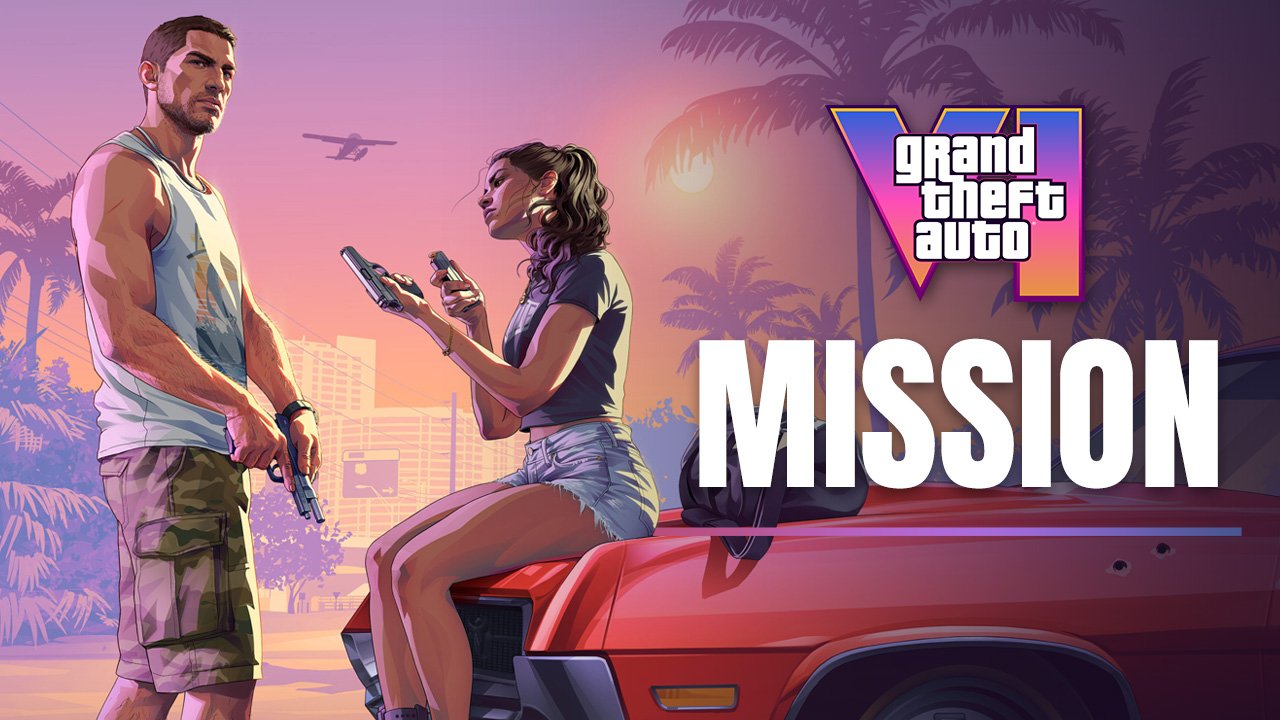
Of all the questions swirling around Grand Theft Auto 6 ahead of its launch on PlayStation 5 and Xbox Series X/S, the one that sounds the most boring may end up mattering the most: how does the game actually save your progress? A fresh explainer circulating this week, headlined around auto-saves, manual saves and progression locks, has thrown a spotlight on a system that Rockstar Games has never treated as a marketing bullet point, yet one that will shape every hour players spend inside the state of Leonida.
The short answer is that Rockstar has not published a formal, line-by-line breakdown of the GTA 6 save architecture. The longer answer is that the studio has spent more than two decades refining a set of conventions across Grand Theft Auto and Red Dead Redemption, and those conventions are almost certainly the blueprint for whatever ships this generation. Understanding them now is the difference between a clean playthrough and an evening lost to a corrupted checkpoint.
Auto-save: the invisible safety net
Every modern Rockstar release leans on a background auto-save that fires at predictable moments: after a mission completes, after a major purchase, after a property or business transaction, and after certain scripted events in the open world. Grand Theft Auto 5 used this model, and Red Dead Redemption 2 expanded it with a small on-screen notification so players knew the moment their state had been committed to storage.
For GTA 6, the sensible expectation is a continuation of that pattern, likely with a visible indicator and probably with more frequent triggers given the scale of the map and the two-protagonist structure built around Jason and Lucia. A dual-lead narrative raises an interesting design question: whether an auto-save captures the state of both characters simultaneously or tracks them separately. Rockstar has not said, but the studio’s history with Red Dead Redemption 2’s camp and character switching suggests a unified world state that persists regardless of who the player is controlling.
Why frequent auto-saves are not purely good news
An aggressive auto-save can overwrite a manual slot if the player is careless, and it can also lock a player into a state they did not intend, such as a mission that begins immediately after a cutscene with no opportunity to prepare. Players who like to experiment, whether with loadouts, vehicles or approach angles, tend to keep a deliberate manual save as insurance.
Manual saves and the case for multiple slots
Red Dead Redemption 2 allowed players to create manual saves directly from the pause menu, and it supported a rotating set of slots. Grand Theft Auto 5 took a more restrictive approach, tying single-player saves to safehouse beds and specific locations while reserving cloud-side persistence for Grand Theft Auto Online. The community has argued about that difference for years, and the hope heading into GTA 6 is that Rockstar adopts the more generous Red Dead Redemption 2 model.
Manual saves matter most in a sandbox that rewards improvisation. The modding scene around Rockstar’s previous title shows how far players will go to reshape systems to their liking, with projects such as the Red Dead Redemption 2 modding effort that grafted an entirely new enemy hierarchy onto the game. That kind of experimentation is only possible when players can roll back the clock, and a healthy manual save system is the cheapest way to enable it.
Cloud saves and platform lock-in
One near-certainty is cloud sync. Both current-generation consoles support cloud storage for save data, and Rockstar’s own Social Club infrastructure has handled account-linked progression for years. The open question is whether single-player saves will travel between platforms or remain tied to a console family, an issue that has become more sensitive as players increasingly own more than one device.
Progression locks: checkpoints, requirements and gatekeeping
The phrase “progression locks” covers several different mechanisms, and conflating them causes most of the confusion around this topic. The first is the mission checkpoint, introduced prominently in Grand Theft Auto 5 and refined in Red Dead Redemption 2, which lets a player retry a failed objective from a recent waypoint rather than the start of the mission.
The second is content gating, where certain missions, districts, vehicles or characters only become available after a threshold is met, whether that is a story milestone, a financial target or a reputation level. Rockstar has used this tool extensively, and the two-protagonist structure of GTA 6 makes it a natural fit: it would be entirely consistent for some of Lucia’s story to remain locked until Jason has completed a specific job, and vice versa.
The third, and the one that generates the loudest complaints, is the online-style restriction where a save is disabled during a mission or a session. Players who have tried to back out of a heist mid-run in Grand Theft Auto Online will recognise the friction. Whether that carries over into the single-player campaign is unknown, but the studio has generally kept story mode more permissive than its multiplayer counterpart.
The online question
Grand Theft Auto 6 will eventually carry a multiplayer component, and the save rules there will look nothing like the story mode. In Grand Theft Auto Online, progress is written to Rockstar’s servers rather than to local storage, transactions are validated server-side, and the notion of reloading an earlier save simply does not exist. If GTA 6’s online mode follows that template, players should expect automatic persistence with no manual control, plus the familiar risk of losing a session’s gains if a connection drops at the wrong moment.
What Rockstar has and has not confirmed
Rockstar has shown trailers, confirmed the Vice City setting and the state of Leonida, and introduced Jason and Lucia as the series’ first dual protagonists. It has not published a support document explaining save slots, auto-save intervals or checkpoint behaviour, and it is unlikely to do so until closer to release. Any specific claim about the number of slots or the exact frequency of auto-saves should be treated as speculation until a menu screen appears in official footage.
Practical preparation for launch week
Players can take a few sensible steps before diving in. Keep at least one manual save from early in the story so a later game-breaking bug does not force a full restart. Check the settings menu on day one for auto-save toggles, since Rockstar has historically buried useful options several layers deep. Enable cloud backup on the console. And if the game does ship without manual saves in story mode, expect the community to be vocal about it within hours of launch.
None of this is glamorous. But in a game expected to be one of the largest open worlds ever built, the save system is the quiet contract between player and designer. Rockstar has had years to get it right, and the precedents it set in Los Santos and the American West suggest the studio already knows what works.
Source Reference (PaidFreeDroid): How to Save in GTA 6: Auto-Save, Manual Saves, and Progression Locks Explained – PaidFreeDroid
Frequently Asked Questions (FAQ)
Does GTA 6 have manual saves?
Rockstar has not confirmed a manual save system for GTA 6. Its most recent single-player release, Red Dead Redemption 2, allowed manual saves from the pause menu, while Grand Theft Auto 5 restricted saving to safehouses and auto-save triggers, so either model is possible.
Will GTA 6 auto-save your progress?
Almost certainly. Every modern Rockstar title uses a background auto-save that fires after missions, purchases and scripted events, usually with an on-screen notification. No official interval has been published.
Can you have multiple save slots in GTA 6?
That detail has not been announced. Red Dead Redemption 2 supported a rotating set of manual slots, while Grand Theft Auto 5 offered far less flexibility, so the number of slots remains unconfirmed.
Do progression locks mean content is paywalled?
No. Progression locks refer to content that unlocks after story milestones, financial targets or reputation thresholds within the game, not to purchases. Rockstar has used this gating in every open-world title it has released.
Will GTA 6 Online saves work differently?
Yes, if it follows the Grand Theft Auto Online model. Multiplayer progress is stored on Rockstar's servers rather than locally, saves are automatic, and there is no way to reload an earlier state.
{“@context”:”https://schema.org”,”@type”:”FAQPage”,”mainEntity”:[{“@type”:”Question”,”name”:”Does GTA 6 have manual saves?”,”acceptedAnswer”:{“@type”:”Answer”,”text”:”Rockstar has not confirmed a manual save system for GTA 6. Its most recent single-player release, Red Dead Redemption 2, allowed manual saves from the pause menu, while Grand Theft Auto 5 restricted saving to safehouses and auto-save triggers, so either model is possible.”}},{“@type”:”Question”,”name”:”Will GTA 6 auto-save your progress?”,”acceptedAnswer”:{“@type”:”Answer”,”text”:”Almost certainly. Every modern Rockstar title uses a background auto-save that fires after missions, purchases and scripted events, usually with an on-screen notification. No official interval has been published.”}},{“@type”:”Question”,”name”:”Can you have multiple save slots in GTA 6?”,”acceptedAnswer”:{“@type”:”Answer”,”text”:”That detail has not been announced. Red Dead Redemption 2 supported a rotating set of manual slots, while Grand Theft Auto 5 offered far less flexibility, so the number of slots remains unconfirmed.”}},{“@type”:”Question”,”name”:”Do progression locks mean content is paywalled?”,”acceptedAnswer”:{“@type”:”Answer”,”text”:”No. Progression locks refer to content that unlocks after story milestones, financial targets or reputation thresholds within the game, not to purchases. Rockstar has used this gating in every open-world title it has released.”}},{“@type”:”Question”,”name”:”Will GTA 6 Online saves work differently?”,”acceptedAnswer”:{“@type”:”Answer”,”text”:”Yes, if it follows the Grand Theft Auto Online model. Multiplayer progress is stored on Rockstar’s servers rather than locally, saves are automatic, and there is no way to reload an earlier state.”}}]}